Our Blog
AI Tools for Podcast Creation: Stop Chasing One App
One app will not handle your show. See how to combine AI tools for podcast creation and editing without hitting paywalls.
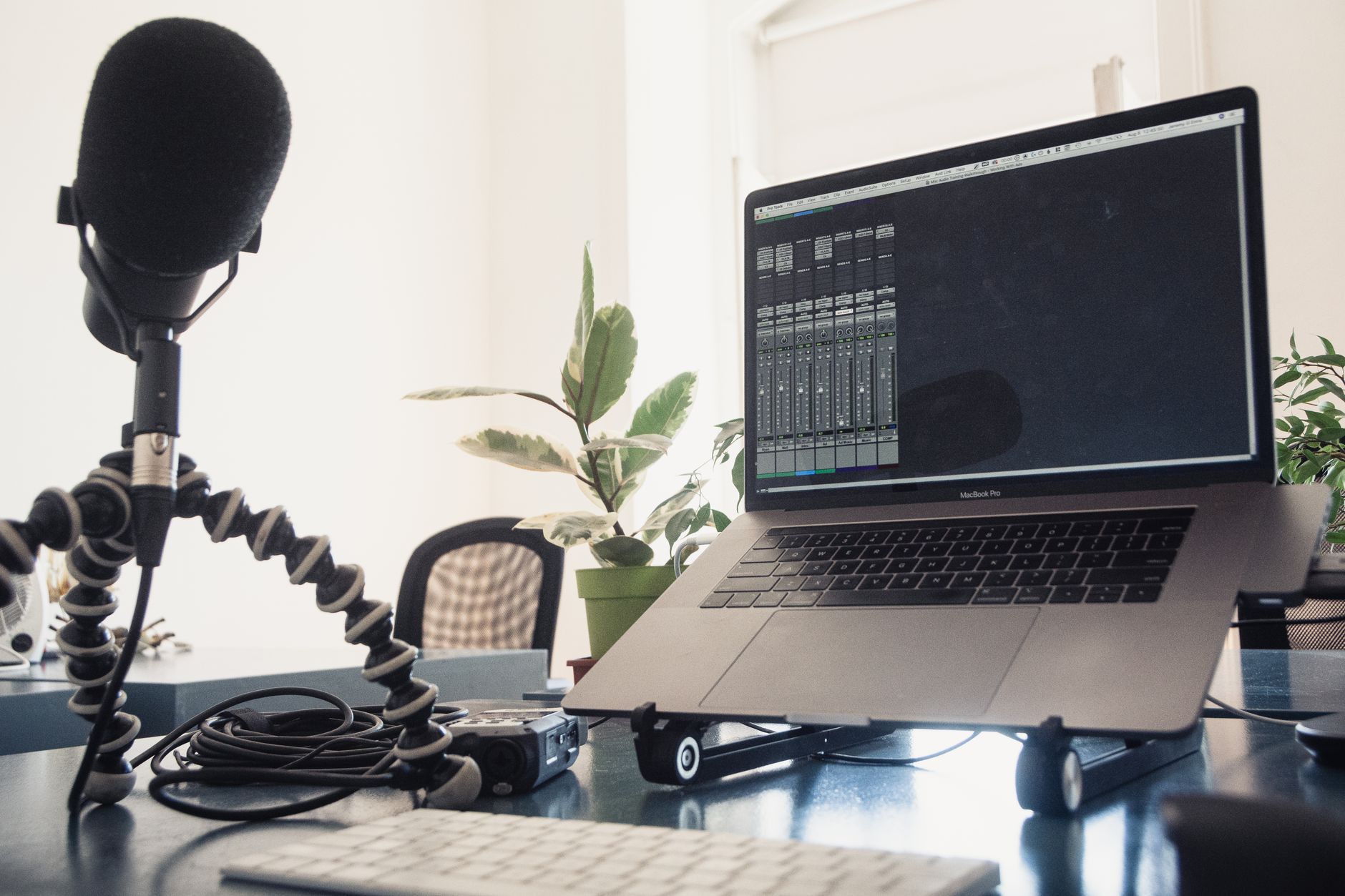
Can one AI tool handle your entire podcast workflow, from recording to publishing? No. That’s the honest answer, and it’s why most producers end up stitching together two or three specialized platforms instead of hunting for a single app that does it all.
The tools below were chosen because they solve a specific, named production problem: protecting remote recordings from bad internet, cleaning up audio without expensive plugins, running a free hosting and distribution stack, and keeping guest consent current when AI touches the final cut. Where a source didn’t name a 2026-current tool, we left it out rather than guess.
Which AI Tools Record and Edit Remote Studio Audio?
Record a remote interview over a shaky connection and you already know the fear. The call drops mid-sentence. The audio glitches. You lose the best quote of the episode.
Descript Rooms addresses this directly. It records audio and 4K video locally on each participant’s device, so a dropped connection doesn’t wreck the take, according to Descript’s own podcasting page. An off-screen producer can manage the session while the host focuses on the conversation. The moment you stop recording, the footage is already editable.
That local-recording detail matters more than it sounds. Plenty of remote recording tools stream audio through a server in real time, which means a bad connection produces a bad recording, full stop. Local capture sidesteps that risk entirely. If your show depends on remote guests, this is the feature to check before anything else, not an afterthought.
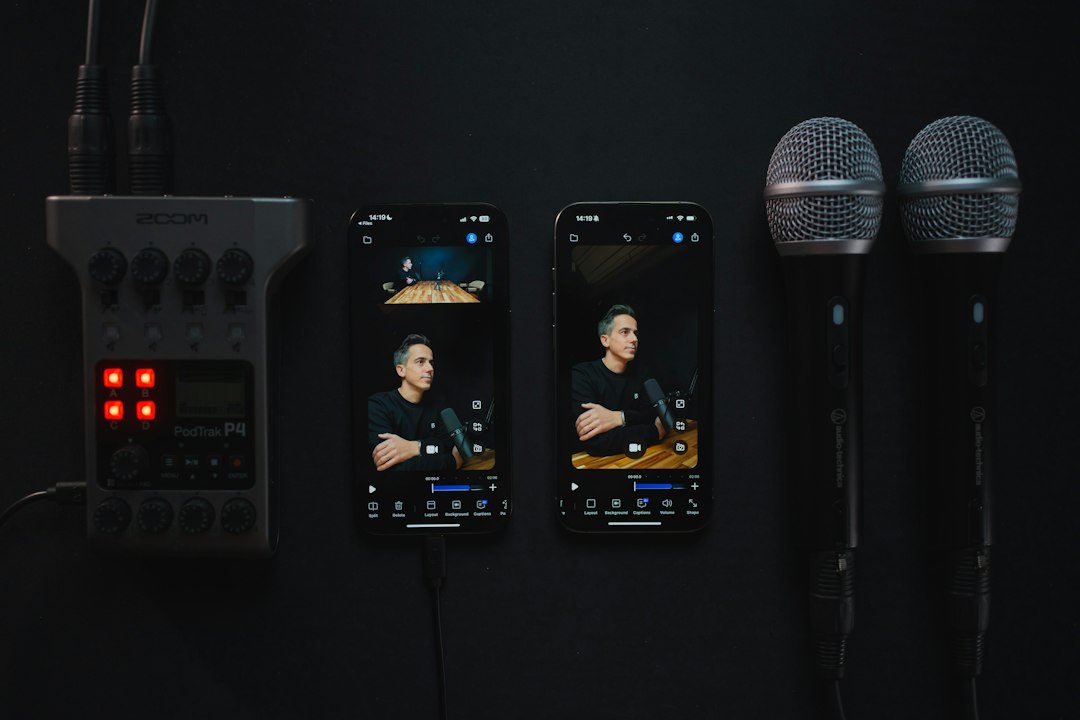
Editing speed is the second half of the story. Being able to start cutting the instant you stop recording removes the dead time most producers lose waiting for files to sync or upload. For a solo producer juggling a day job and a weekly release schedule, that gap is often the difference between publishing on time and sliding another week.
Pair that recording workflow with a separate enhancement pass, and the cleanup side gets easier too. Adobe Podcast Enhance focuses on audio enhancement and includes 4,000 generative credits per month, along with unlimited generation on select image models, according to Adobe’s Podcast Enhance page. Those credits apply across Adobe’s broader creative tools, so a podcaster already producing cover art or promotional graphics gets more use out of the allowance than someone using Enhance purely for cleanup.
Here’s the trade-off worth naming. Recording tools like Descript Rooms solve capture problems. Enhancement tools like Adobe Podcast Enhance solve cleanup problems. They’re not competing for the same job, and treating them as interchangeable is a mistake that costs time later when you realize your “all-in-one” tool only really does one of the two things well.
- Best for: Shows that record remote guests regularly and need protection against dropped calls, plus a fast enhancement pass before publishing.
- Watch out for: Local recording still requires each participant to have a stable device and enough storage; a producer managing the session off-screen needs their own reliable setup too.
- Descript’s Rooms feature was built specifically around the local-recording promise, per Descript’s podcasting documentation.
Assemble a Free End-to-End Production Workflow With Specialized Platforms
Here’s a mistake a lot of new podcasters make. They assume “free” AI podcast tools mean a free Finished podcast, published and live on every platform listeners expect. It usually doesn’t work that way.
Podigee’s LAUNCH plan is permanently free for hosting, but getting your feed onto Apple Podcasts, Spotify, and YouTube requires upgrading to the STARTER plan at €19 a month, according to Podigee’s own AI tools guide. That’s a real constraint, not fine print. A podcaster who builds an episode entirely on free tools can still hit a paywall right at the finish line, when the show is ready to go public.
The fix is to plan the whole chain before you start, not after you’ve recorded ten episodes. Podigee itself frames podcast creation as a sequence: research, script, voice or recording, editing, publishing, and promotion, and notes you can build a free AI podcast using NotebookLM alongside the free tiers of ElevenLabs and Async, combined with the permanently free LAUNCH plan, per the same Podigee source.
That’s four separate tools working together, each handling one stage. No single platform in that stack claims to do everything. And that’s fine. A modular workflow is more resilient than a single app, because if one tool changes its pricing or shuts down a feature, you’re not rebuilding your entire show from scratch.

The End-to-End AI Podcast Production Workflow

Treat each stage as swappable. Research and scripting tools feed into recording or voice generation. Recording feeds into editing. Editing feeds into publishing and promotion. If you lose access to one tool mid-chain, you replace that one link, not the whole system.
This matters most for independent producers without a budget line for premium software. A free research tool and a free voice tool can carry you most of the way. Just budget for the publishing step separately, since that’s where Podigee’s own pricing shows the free tier stops short of full distribution.
- Best for: Independent podcasters on a tight budget who want to test a full production pipeline before committing to a paid plan anywhere.
- Watch out for: The free hosting tier won’t get your show onto Apple Podcasts, Spotify, or YouTube without an upgrade, so budget for that step if wide distribution matters to you.
- Podigee publishes this exact distinction between its free LAUNCH tier and the paid STARTER tier needed for syndication, per its podcast AI tools blog post.
If you’re building out a fuller production system rather than a single workflow, our guide on designing a full-cycle production system walks through how the stages connect beyond just the AI tooling.
Update Your Guest Release Agreements to Cover Synthetic Voice Edits
Most podcasters skip this step entirely, and it’s the one most likely to cause a real problem later.
AI tools can now write show notes, edit interviews, mix and sweeten audio, generate artwork, and even produce synthetic voices, according to Podnews’s reporting on AI and podcasting law. All of that sounds like a win for a solo producer short on time. But using a guest’s voice, real or AI-enhanced, without their explicit knowledge creates legal exposure you don’t need.
The recommended fix is specific. Get explicit written consent from anyone whose voice appears in your show, whether that voice is unedited or run through AI tools, and update your guest release to authorize limited AI editing or enhancement, as long as it doesn’t misrepresent what the guest actually said, per Podnews’s guidance.
That last condition is the trade-off. You get permission to clean up stumbles, tighten pacing, and smooth audio artifacts. You don’t get permission to change the meaning of what someone said. A release that’s too broad invites disputes down the line. A release that’s silent on AI entirely leaves you unprotected the moment you use any enhancement tool on a guest interview.
It works like paperwork that should have been updated the same week you started using AI cleanup tools, not something to patch after a guest complains. A ten-minute edit to your standard release template now saves a harder conversation later.
- Best for: Any show that records guest interviews and uses AI for cleanup, enhancement, or voice work, which at this point is most of them.
- Podnews frames this as a best practice podcasters should adopt now, not a hypothetical future requirement, per its article on AI and podcasting legal issues.
Comparison at a Glance
| Tool / Practice | Core Function | Free Tier | Key Constraint |
|---|---|---|---|
| Descript Rooms | Local remote recording, audio + 4K video | Not stated in source | Requires stable local setup per participant |
| Adobe Podcast Enhance | Audio enhancement | 4,000 generative credits/month | Credits shared across Adobe creative tools |
| Podigee LAUNCH | Free hosting | Yes, permanently free | Syndication to Apple/Spotify/YouTube needs STARTER plan (€19/month) |
| Updated Guest Release | Legal consent for AI-edited audio | N/A | Must not authorize changes to meaning |
Frequently Asked Questions
Do I need separate tools for recording and editing, or is one platform enough?
Plan for at least two tools unless a single vendor documents both capabilities clearly. Descript Rooms, for example, is built around local recording and immediate post-recording editing, according to Descript’s own page, but enhancement-focused cleanup is a separate job handled by tools like Adobe Podcast Enhance.
Is Podigee’s free plan actually usable for a real podcast?
Yes, for hosting specifically. The LAUNCH plan is permanently free, but reaching Apple Podcasts, Spotify, and YouTube requires the paid STARTER plan at €19 a month, per Podigee’s blog. Budget for that upgrade if wide distribution is part of your plan.
Does AI editing require guest consent even for minor cleanup like removing filler words?
Update your guest release to cover it either way. Podnews recommends getting explicit written consent and amending your release language to authorize AI editing or enhancement, as long as it doesn’t change what the guest meant, according to its legal guidance. Minor cleanup and heavier AI voice work both fall under that same principle.
What’s the biggest risk of skipping a modular workflow in favor of one all-in-one app?
You lose flexibility. A workflow built from swappable pieces, research, recording, editing, publishing, lets you replace one tool without rebuilding everything else, which Podigee’s own description of the podcast creation process supports by treating each stage separately in its AI tools guide.
Before you commit to any single platform, check whether it actually documents the feature you’re relying on, local recording, consent-ready editing, free distribution, because the gap between marketing language and what a vendor’s own page states is where most podcasters get burned. Read the fine print on the free tier especially; that’s where the real limits live.
If you’d rather not piece this workflow together alone, book a call with our team at Big Pond Podcasts and we’ll help you map the right tools to your show’s actual production needs.
About the author
Tariq Basraoui
CEO
Tariq O’Keefe Basraoui, Co-Founder of Big Pond Podcasts, is a seasoned digital marketer and community builder with a track record of success at platforms like TikTok and Zencastr. Known for launching Zencastr’s Creator Network to over 15,000 members in 18 months, his expertise lies in growing user bases and enhancing brand engagement.
His strategic approach to growth and community engagement has established him as a leader in creating some of the fastest-growing media networks in podcasting.