Our Blog
What Podcast Creator Resources Deliver Professional Audio?
Boost your podcast production with core creator tools. This guide covers essential software and hardware for pro-level audio and audience growth.
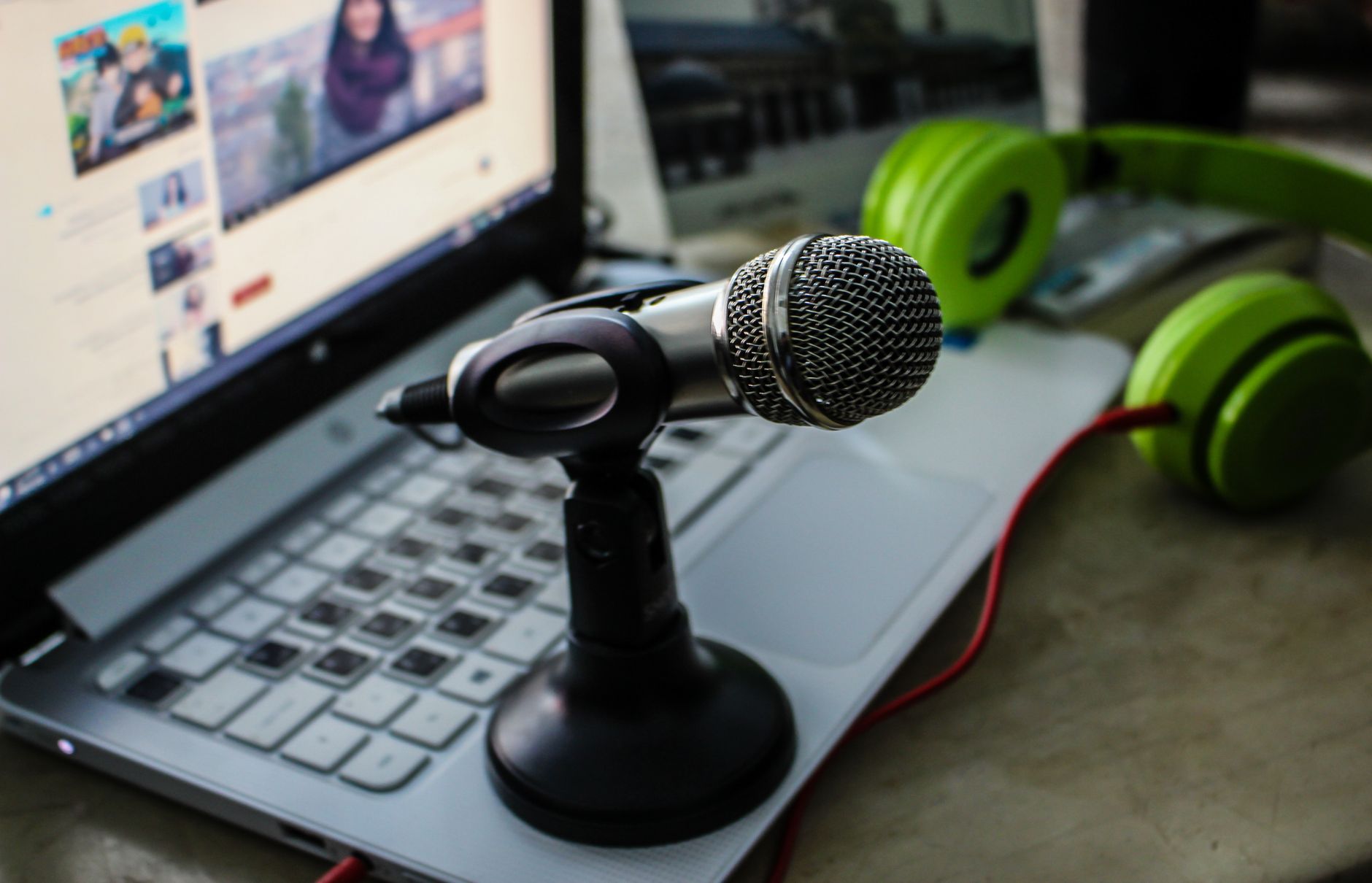
Everyone thinks you need a dozen different paid tools to launch a successful podcast. They’re wrong. A few carefully chosen, high-quality resources matter far more than a bloated software subscription list. The best podcast creator resources and tools are the ones that solve your specific bottleneck, whether that’s editing time, audience discovery, or turning listeners into revenue. A premium microphone is useless if your editing software is so clunky you never ship an episode.
This guide focuses on the best podcast creator software essentials that deliver professional results without unnecessary complexity or cost. I’ll show you which tools are worth paying for and where you can get by with powerful free options, helping you build a practical, effective toolkit.
How We Chose These Tools
To create this list, we evaluated tools based on three core criteria. First, we looked at user reviews and ratings from creator communities and platforms like G2 and Capterra over the last 18 months. Second, we prioritized tools that offer a clear return on investment, either by saving significant time or directly enabling monetization. Finally, we considered ease of use and the quality of customer support, because a powerful tool is worthless without a team to help you master it.
Essential Pre-Production and Recording Tools
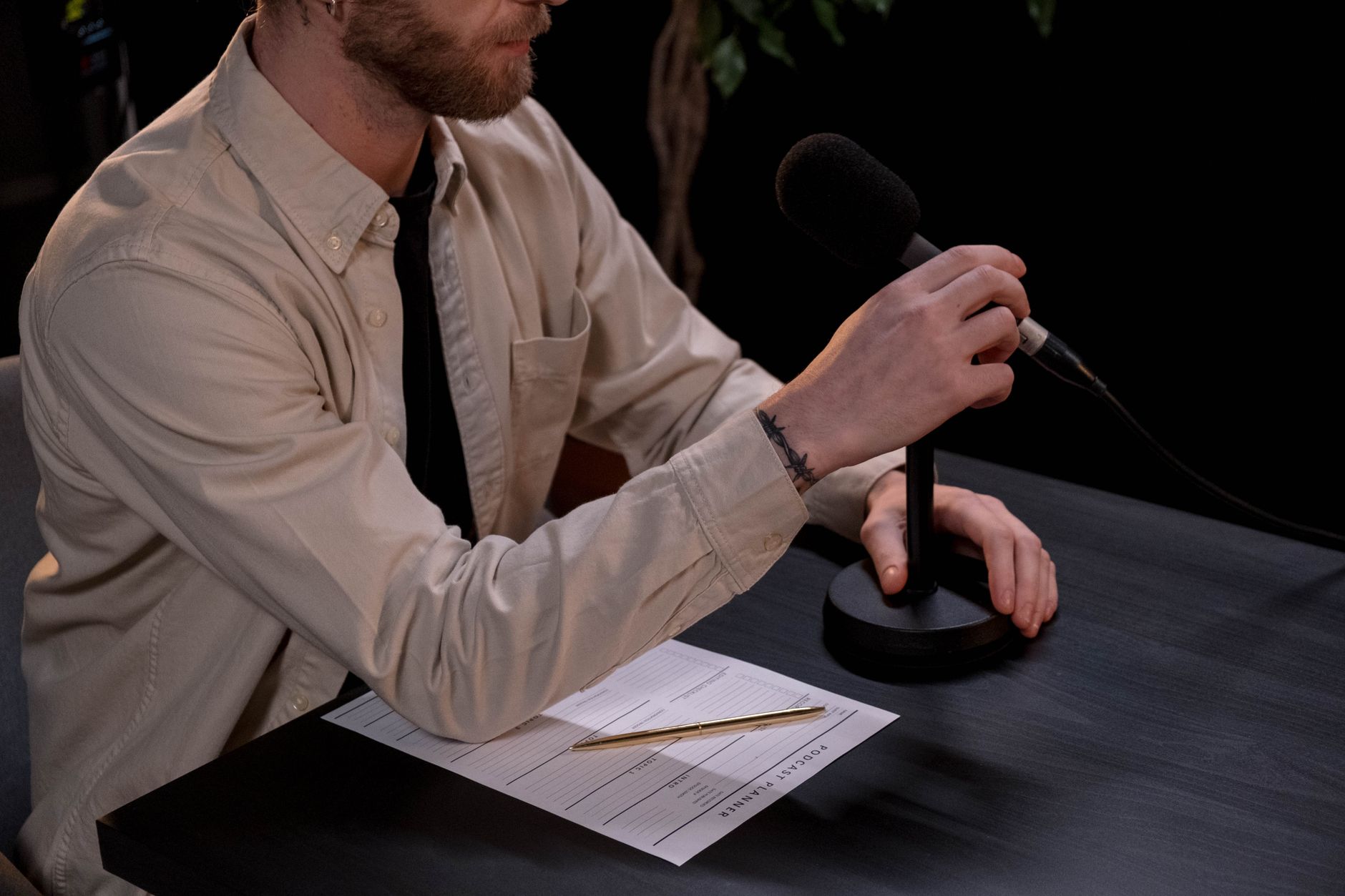
Getting a clean recording is the highest-leverage activity in podcasting. No amount of editing can truly fix bad audio. These tools ensure you capture high-fidelity sound from the start.
Remote Recording Platforms
If you interview guests, a dedicated remote recording platform is non-negotiable. These platforms record each participant’s audio locally, avoiding the compression and dropouts common with standard video conferencing software.
Riverside
Riverside is a leader in this space, capturing up to 4K video and 48kHz WAV audio locally for each participant. It’s incredibly reliable and the go-to for podcasters who prioritize quality.
- Best for: Creators who need high-quality video and audio for interviews.
- Watch out for: Can be resource-intensive for guests with older computers or slow internet connections.
Zencastr
Known for its simplicity and reliability, Zencastr was one of the original players in local recording. I have personal experience with their platform, having helped launch the Zencastr Creator Network, and its focus on core audio quality is a major strength.
- Best for: Podcasters focused purely on audio interviews who need a rock-solid, easy-to-use solution.
- Watch out for: The free plan has limitations on recording hours and participant numbers.
Squadcast
Squadcast offers a great balance of features and reliability, with an emphasis on simplifying the technical side of recording. Their cloud-based backups during recording provide an extra layer of security.
- Best for: Podcasters who want a straightforward workflow and peace of mind.
- Watch out for: Less feature-rich on the video side compared to Riverside.
Microphones and Recorders
You don’t need a $1,000 microphone. A solid USB mic or a quality dynamic mic with an audio interface will serve you well for years.
Rode PodMic & Focusrite Scarlett 2i2
This is a classic combination for a reason. The Rode PodMic is a dynamic microphone that delivers broadcast-quality sound and does a great job of rejecting background noise. Paired with the Focusrite Scarlett 2i2 audio interface, it’s a professional setup that costs less than $250.
- Best for: Creators ready to move beyond USB mics for richer sound and more control.
- Watch out for: Requires an XLR cable and understanding a basic audio interface.
Blue Yeti
For sheer simplicity, the Blue Yeti USB microphone is a perennial favorite. It’s plug-and-play, offers multiple recording patterns, and sounds significantly better than your computer’s built-in mic.
- Best for: Beginners and those who want a simple, high-quality USB microphone without extra hardware.
- Watch out for: It’s a condenser mic, so it’s very sensitive and will pick up room noise if you’re not in a quiet space.
Top Podcast Editing Software

Editing is where your story takes shape. Good software makes this process faster and more creative. The choice often comes down to your budget and technical comfort level.
Free and Accessible Options
Audacity
Audacity is the workhorse of the podcasting world. It’s free, open-source, and available on all major operating systems. While its interface looks dated, it has all the essential functions for editing, noise reduction, and mixing.
- Best for: Beginners, hobbyists, or anyone on a tight budget needing powerful audio editing tools.
- Watch out for: The learning curve can be steep, and its destructive editing means changes are permanent once saved.
GarageBand
If you’re on a Mac, GarageBand is a fantastic free tool. It’s more intuitive than Audacity, with a user-friendly interface and a great set of built-in effects and loops for creating intros and outros.
- Best for: Apple users looking for an easy-to-use, yet capable, audio editor.
- Watch out for: Only available on Apple devices.
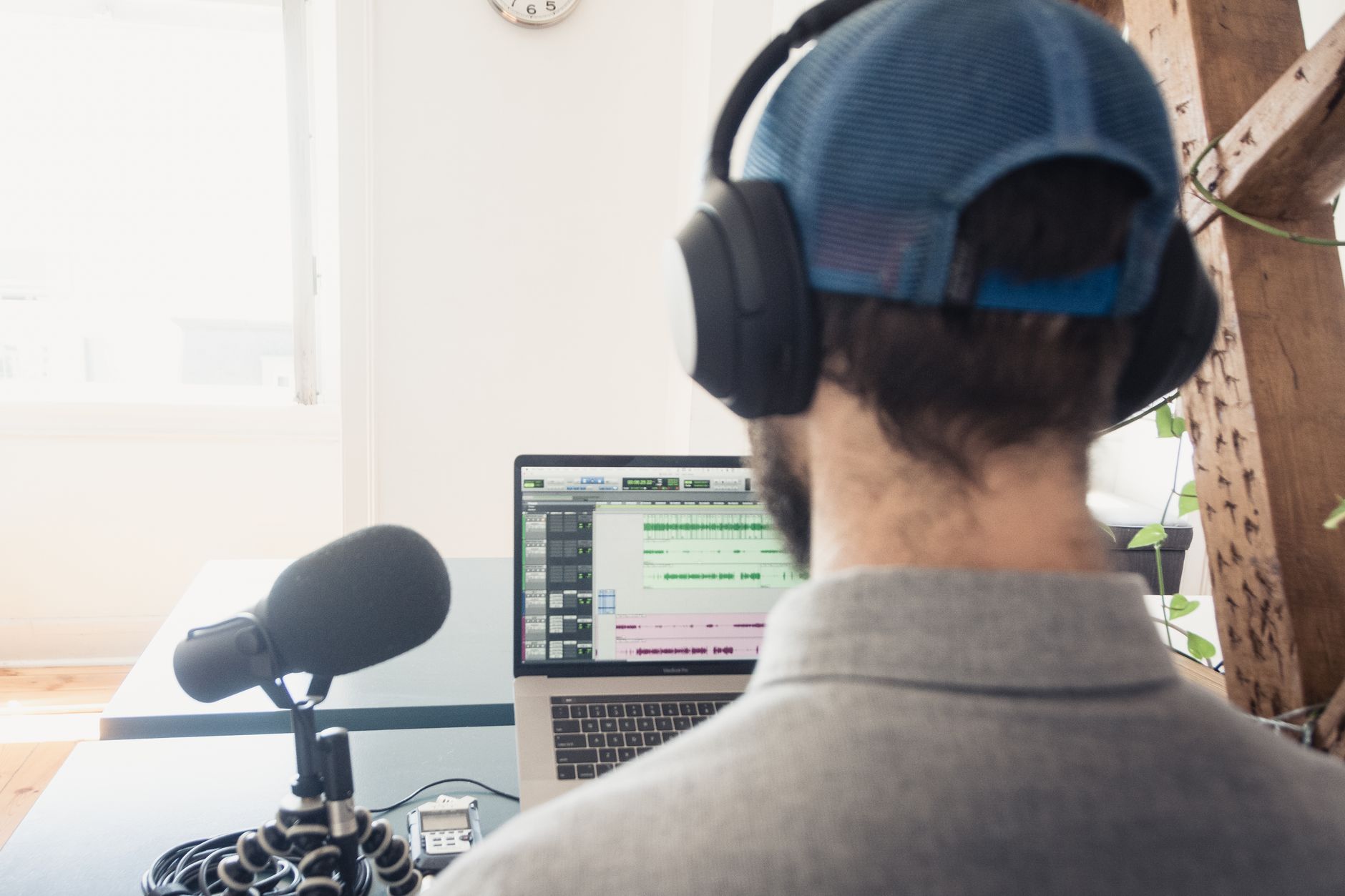
Professional Digital Audio Workstations (DAWs)
Adobe Audition
Part of the Adobe Creative Cloud suite, Audition is a professional-grade audio editor with powerful features for audio restoration and mixing. Its spectral frequency display is exceptional for surgically removing unwanted noises like sirens or coughs.
- Best for: Creators who already subscribe to Adobe CC or need advanced noise repair tools.
- Watch out for: Subscription-based pricing can be a drawback for some.
Descript
Descript changed the game by offering transcription-based editing. You edit the audio by simply editing the text transcript, which can dramatically speed up the process of cutting interviews and removing filler words.
- Best for: Narrative and interview-based shows where editing dialogue is the primary task.
- Watch out for: Can struggle with heavily overlapping speech or poor audio quality.
Reaper
Reaper is a fully-featured DAW with a remarkably low price and a generous evaluation period. It is endlessly customizable and has a passionate user community that creates tutorials and scripts to extend its functionality.
- Best for: Tech-savvy creators who want pro-level features without the high price tag of other DAWs.
- Watch out for: The sheer number of options can be overwhelming for beginners.
The best tool isn’t the one with the most features. It’s the one that gets out of your way and lets you create.
Best Podcast Hosting Platforms

A podcast host stores your audio files and generates the RSS feed that powers your show’s distribution to directories like Apple Podcasts and Spotify.
Buzzsprout
Buzzsprout is known for its user-friendly interface and excellent features. Their “Magic Mastering” tool helps optimize audio levels, and they provide great analytics and promotional tools.
- Best for: Beginners and creators who value simplicity and great support.
- Watch out for: Storage is based on hours uploaded per month, which might be limiting for shows with multiple weekly episodes.
Transistor
Transistor’s pricing model is a standout feature. It allows you to host multiple podcasts on a single account for one price, with pricing based on total monthly downloads. They also have excellent analytics.
- Best for: Creators or businesses that plan to run more than one show.
- Watch out for: Can be more expensive than competitors if you only have one small show.
Essential Podcast Promotion and Marketing Tools

Creating a great podcast is only half the battle. These tools help you grow your audience.
Social Media & Content Repurposing
Podpage
Podpage automatically creates a beautiful, functional website for your podcast. It pulls information from your RSS feed to create episode pages, transcripts, and more. It’s a massive time-saver for creating a central home for your show.
- Best for: Podcasters who want a professional website without the hassle of building one from scratch.
- Watch out for: Customization options are more limited than a self-hosted WordPress site.
AI-Powered Tools
The rise of AI has provided podcasters with powerful new capabilities. AI tools can handle transcription, generate show notes, and even create social media clips automatically.
One of the most valuable applications is creating audiograms and video clips. By turning compelling audio segments into short, shareable videos, you can tap into the massive audiences on platforms like Instagram, TikTok, and YouTube Shorts. For example, some data shows that using video drove 62% audience growth for certain shows.
Tools for Monetization
Once you’ve built an audience, you can start thinking about revenue. We help our 1300+ podcasters monetize and grow their podcasts, connecting them with brands that fit their audience.
Don’t wait for a massive audience to think about monetization. Building a direct relationship with your most engaged listeners early on is a powerful strategy.
Sponsorship and Ad Networks
Platforms that connect you with advertisers are crucial for generating revenue. At Big Pond, our network helps in securing podcast sponsorships by matching shows with relevant brands. This ensures that the ads feel authentic and resonate with your listeners, which is key for long-term success. It’s about putting your brand in the right ears.
Community and Direct Support
Patreon
Patreon allows your most dedicated listeners to support you directly with a monthly subscription. In return, you can offer them bonus content, early access to episodes, or community features. It’s a fantastic way to build a sustainable income stream independent of advertisers.
- Best for: Creators who want to build a strong community and offer premium content.
- Watch out for: Requires consistent effort to provide value to your patrons.
Discord
While not a direct monetization tool, creating a Discord server for your podcast community can be a powerful engagement driver. A thriving community can make your show more attractive to advertisers and can be a funnel for direct support platforms like Patreon. Learn how to choose a podcast monetization platform to find what fits your show.
- Best for: Building a dedicated community and fostering listener-to-listener interaction.
- Watch out for: Requires active moderation to keep the community healthy and on-topic.
Summary Comparison
| Tool Category | Beginner Pick | Growth-Focused Pick | Pro-Level Pick |
|---|---|---|---|
| Recording | Zencastr | Squadcast | Riverside |
| Editing | GarageBand / Audacity | Descript | Adobe Audition / Reaper |
| Hosting | Buzzsprout | Transistor | Omny Studio |
| Promotion | Podpage | AI Clip Creators | Custom Website |
| Monetization | Patreon | Big Pond Podcasts | Direct Sponsorships |
Ready to get serious about managing your podcast for growth? Explore some of the best podcast management tools available today.
Further reading
FAQ
What are the absolute essential tools to start a podcast?
To start, you need a decent microphone (a USB mic like the Blue Yeti is fine), recording/editing software (Audacity is free and powerful), and a podcast hosting service (like Buzzsprout) to store your files and create your RSS feed. That’s it. Everything else can be added later as you grow.
Do I need a website for my podcast?
While not strictly necessary on day one, a website is highly recommended. It serves as a central hub for your show, allows you to publish detailed show notes and transcripts (great for SEO), and gives you a platform you control to engage with your audience. Services like Podpage make this incredibly easy.
How many listeners do I need to start making money?
There’s no magic number. You can start monetizing with a small, engaged audience using direct support models like Patreon. For programmatic ads, you’ll generally need thousands of downloads per episode to see meaningful income. For host-read ads through a network, the threshold can vary, but having a niche, dedicated audience is often more important than raw numbers.
Is video podcasting worth the extra effort?
It can be. Video is a powerful discovery tool, especially on platforms like YouTube. Data suggests video can significantly boost audience growth. However, it adds considerable complexity and cost to your production workflow. Start with audio, and only add video when you have the resources and a clear strategy for it.
What is an RSS feed and why do I need one?
An RSS (Really Simple Syndication) feed is a text file that contains all the information about your podcast and its episodes. Podcast directories like Apple Podcasts, Spotify, and Overcast use this feed to find your show and update it with new episodes. Your podcast hosting service automatically creates and manages this feed for you.
How can AI tools help me as a podcaster?
AI can be a huge time-saver. AI-powered tools can provide automated transcriptions, which is great for accessibility and SEO. They can help you edit audio by removing filler words, generate shownotes and chapter markers, and even create short video clips from your best moments to share on social media.
About the author
Tariq Basraoui
CEO
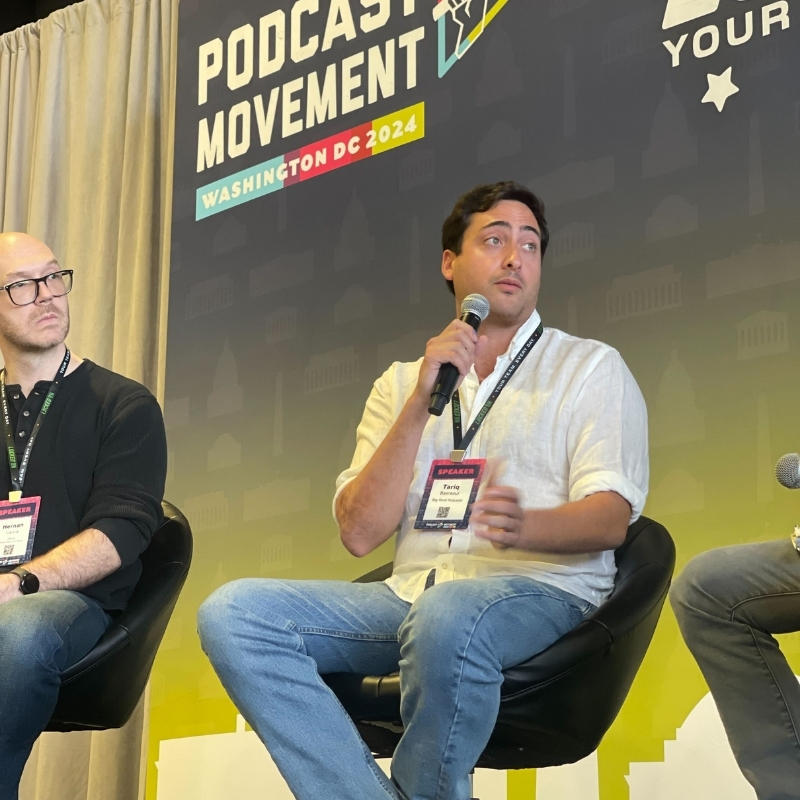
Tariq O’Keefe Basraoui, Co-Founder of Big Pond Podcasts, is a seasoned digital marketer and community builder with a track record of success at platforms like TikTok and Zencastr. Known for launching Zencastr’s Creator Network to over 15,000 members in 18 months, his expertise lies in growing user bases and enhancing brand engagement.
His strategic approach to growth and community engagement has established him as a leader in creating some of the fastest-growing media networks in podcasting.