Should every episode get a bonus version, or just the ones that earn it? That’s the question that sinks most subscription launches before they start.
Creators record a bonus segment for every single episode. Listeners download none of it. The feed looks busy. The conversion rate stays flat.
Which premium formats deliver immediate value without doubling production time?
Not all bonus formats cost the same to make. Some reuse footage you already shot. Others demand a whole new recording session.
The biggest mistake is treating every premium idea as equal effort. It isn’t.
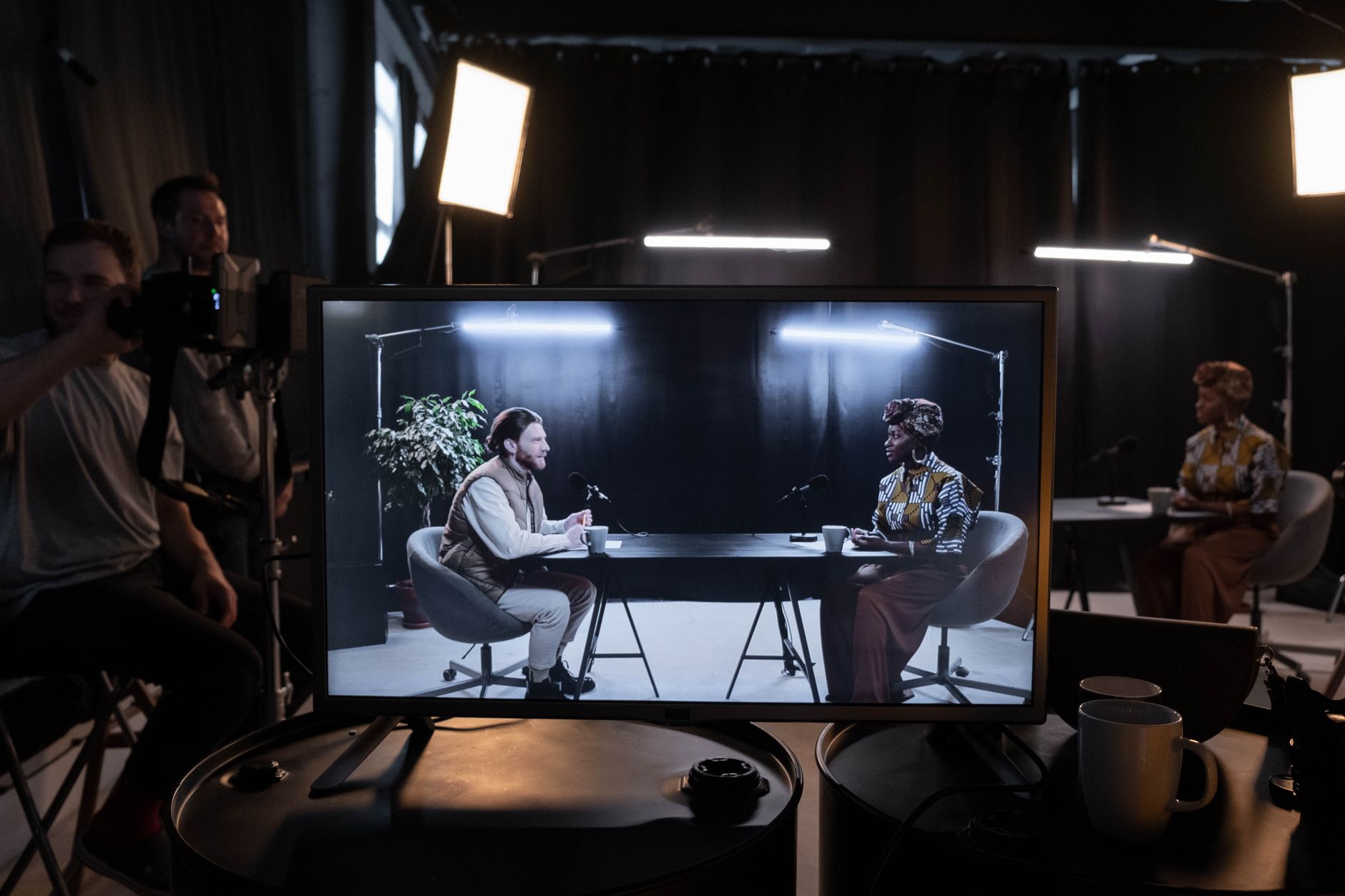
Extended cuts of what you already recorded
An extended or uncut episode costs almost nothing extra. You already have the raw audio.
The movie review show Kermode & Mayo runs on exactly this model. Free episodes land on Fridays. Bonus content, including extended or uncut interviews with guests, follows on Mondays, according to Apple Podcasts Connect’s subscription guidance.
That’s a repeatable cadence, not a one-off stunt. The free show sets the promise. The bonus material extends it instead of competing with it.
Downloadable files as a standalone perk
Patreon’s own creator guidance lists mp3 downloads as one of the simplest benefits to offer. Upload an audio file as a post, and it becomes downloadable automatically, per Patreon’s benefits guide.
No special software. No extra editing pass.
This works best as an add-on to something else, not the whole offer. A downloadable file alone rarely justifies a monthly charge.
Private RSS feeds instead of a separate app
Members can listen to your bonus episodes in their own podcast app, not some new platform they have to learn. That’s the entire appeal of a private feed set up through Patreon’s RSS tools, as described in the same Patreon guide.
Compare that to a members-only website buried behind a login. One of those fits into a listener’s existing habit. The other asks them to build a new one.
The free show already has a promise. Premium work should extend that promise, not bury it under an arbitrary paywall.
That line, from Podder’s guide to premium podcast content, is the filter worth applying to every idea on this list. If a bonus format doesn’t extend what listeners already love, skip it.
Whole new episode brands as a bigger swing
Kermode & Mayo doesn’t stop at extended cuts. Their bonus tier includes entirely separate shows, spinoffs built just for subscribers, cross-promoted from the free feed, per Apple’s subscription strategy page.
That’s a bigger commitment. Don’t start there.
Build the extended-cut habit first. Add a spinoff once you know subscribers actually show up.
How do you configure ad-free audio feeds for paying subscribers?
Apple’s subscription system links two files to one episode slot: an ad-supported version and a premium version. They connect through a shared episode ID, not a separate premium feed listeners have to find.
Here’s the mechanic. Publish the ad-supported episode in your regular feed first. Then, in Apple Podcasts Connect, match it to your premium audio using either the Apple Podcasts Episode ID as your <guid> tag, or matching episode, season, and episode-type numbers, according to Apple’s setup instructions.
That matching only happens once. Apple’s documentation is specific: “Episodes will only link on the first crawl.” Miss it, and you’re stuck disconnected until you fix the feed and wait for another crawl.
Why the single show page matters
Apple built this to avoid a split audience. Subscribers and free listeners share one show page, not two competing listings, per Apple’s subscription setup page.
That’s a design choice with a real consequence. You don’t build a second brand. You build one show with two audio layers.
It also means your free feed keeps doing its job: pulling in new listeners who might convert later. A split-feed approach, where premium content lives somewhere else entirely, loses that discovery path.
The two things that break this setup
- Mismatched identifiers. If your episode ID or your episode/season numbers don’t match exactly between the ad-supported and premium versions, Apple won’t link them.
- Missing the first crawl. Since linking only happens once, publish the ad-supported episode correctly the first time. A late fix means waiting for the next crawl cycle.
Get both right, and subscribers get the ad-free version delivered straight into the same app they already use. Get either wrong, and you’re troubleshooting a disconnected feed instead of growing one.
Early access uses the same release date field
Want subscribers to hear an episode before everyone else? Apple handles that through the Original Release Date field in Podcasts Connect.
Put the date the RSS version will go live into that field, and your early-access benefit displays correctly on Apple Podcasts, according to Apple’s setup guide.
It’s a small configuration step. Skip it, and subscribers might not see any visible sign they’re getting something ahead of the crowd. That invisible benefit converts nobody.
Where Apple draws the line
Apple’s content guidelines aren’t just a formality. The company states plainly that it wants “a delightful, trusted experience for audiences, and rewarding opportunities for creators,” per Apple’s content and subscription guidelines.
If Apple decides your content doesn’t meet that bar, the consequences aren’t gentle.
Read that before you build an entire subscription tier around content you haven’t checked against Apple’s rules.
Offer direct access and community events rather than extra audio files
Every bonus episode you record is one more thing to script, edit, and publish. At some point, that stops scaling.
The fix doesn’t have to be more content. Sometimes it’s access.
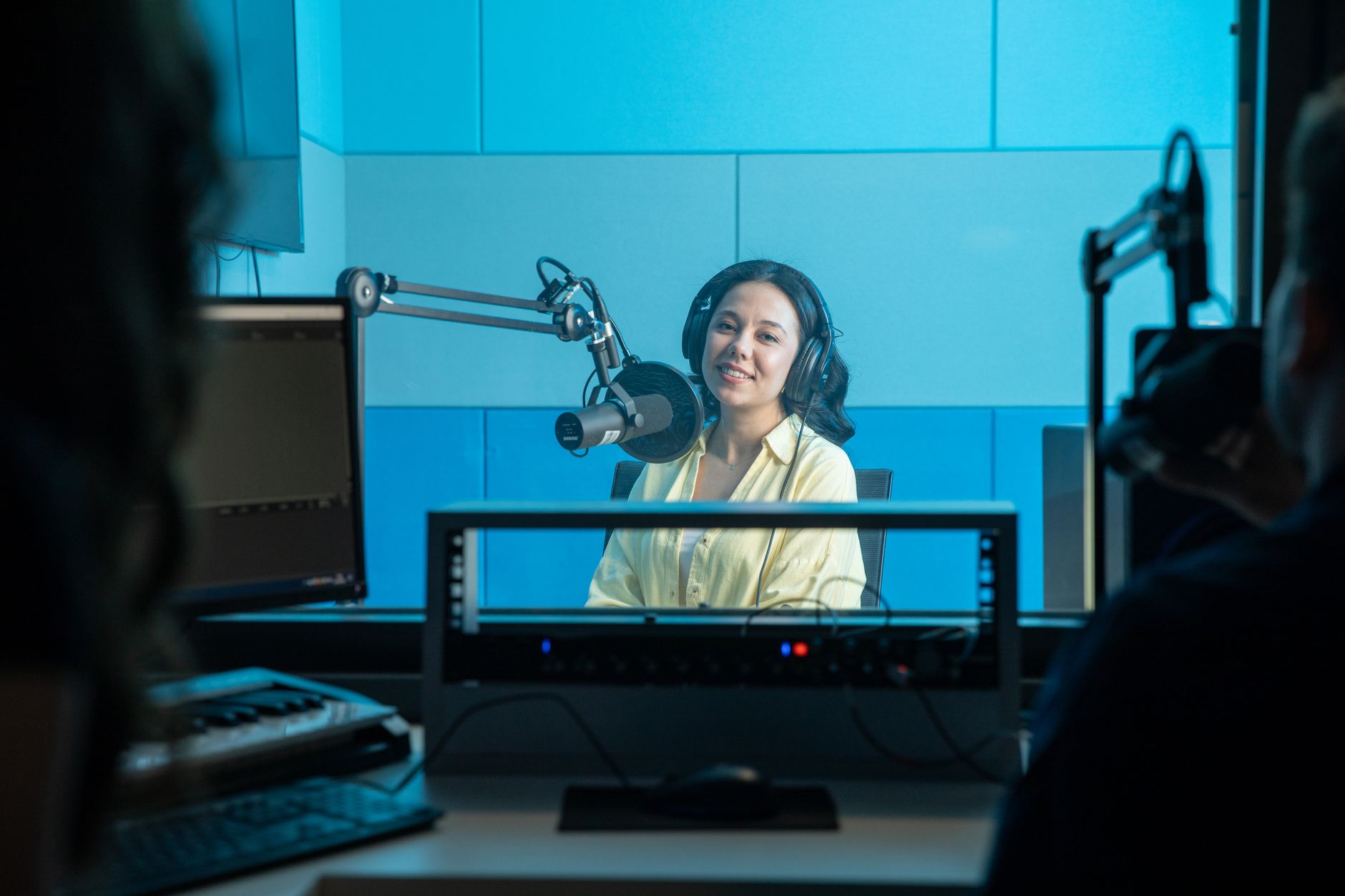
Tickets to watch you record
Patreon’s creator guide puts it directly: invite your top-tier members to watch you record live, since they’ve only ever heard “the mysterious voice behind the podcast,” per Patreon’s ideas for member benefits.
This costs you almost nothing in production time. You’re not editing a new episode. You’re opening a door you’d have closed anyway.
It also solves a real problem: the risk of gated extras that drain your energy without converting anyone. A live recording invite requires zero extra scripting. The content already exists; you’re just letting people watch it happen.
Shout-outs as a reward, not a bribe
Patreon lists acknowledgement in the finished work as a benefit worth reserving for your highest tier, calling it a way to “show your unending gratitude by thanking them,” according to the same Patreon guide.
The catch: this only works as a top-tier perk, not a baseline one. Offer it too broadly, and it stops feeling like recognition. It starts feeling like a mail-merge.
Pricing tiers shape which perks people pick
Anchoring matters more than most creators realize. Ezoic’s breakdown of Patreon pricing behavior found that offering a $2, $5, and $10 tier pushes far more people toward the $5 option than offering just $2 and $5 alone, because the $10 tier changes what $5 looks like by comparison, per Ezoic’s guide to using Patreon.
That’s not a reason to add a $10 tier just for the sake of it. It’s a reason to think about what each tier’s perks look like next to each other before you price anything.
Comparing the three premium paths
| Format | Production effort | Best source |
|---|---|---|
| Extended/uncut episodes | Low (reuse existing recording) | Apple Podcasts Connect |
| Ad-free matched feed | Medium (one-time setup, ongoing matching) | Apple’s subscription setup guide |
| Live recording invites / shout-outs | Low (no new content, just access) | Patreon’s benefits guide |
Technical Workflow: Distributing Public and Private Feeds

Getting this wrong usually comes down to sequencing. Publish steps out of order, and Apple’s one-time crawl link never happens.
- Record and finish the ad-supported episode first.
- Publish it to your public RSS feed with the correct Original Release Date if you’re offering early access.
- In Apple Podcasts Connect, create the premium audio version.
- Match the two using the same Episode ID (
<guid>), or matching episode, season, and episode-type numbers. - Wait for Apple’s first crawl, then confirm both files show as linked on the episode detail page.
Miss step four before that first crawl, and you’re not editing a mistake. You’re waiting for a new crawl cycle while subscribers get nothing different from free listeners.
A note on effort versus payoff
Every format above has a different cost. Extended cuts are nearly free once you’ve recorded the main episode.
Ad-free feeds take setup time but run on autopilot after that. Live access costs you comfort, not hours.
Pick based on what you can sustain every single week, not what sounds impressive in a pitch to new subscribers.
Frequently asked questions
Do I need video to offer premium podcast content?
No. Video is one option among several, not a requirement.
Setting up cameras alongside your existing audio gear and recording through Zoom or Skype is one way to add a premium video layer, according to Hurrdat Media’s rundown of premium content ideas. But extended audio episodes, ad-free feeds, and live-access perks all work without a camera in sight.
Should every episode have a bonus version?
Not necessarily. It depends on whether the bonus adds something the main episode doesn’t.
An uncut interview or extra segment earns its spot when it genuinely extends what listeners already love about the show. A bonus clip tacked on just to fill a tier checklist usually goes unheard.
How many pricing tiers should I offer?
Three tiers tend to outperform two, based on how pricing anchors work. Ezoic’s analysis of Patreon tiers found that a $10 option makes a $5 tier look more reasonable by comparison, pulling more subscribers toward the middle price, per Ezoic’s Patreon guide.
That doesn’t mean three is a rule. It means test whether your middle tier gets chosen more once a higher anchor exists.
What happens if my show breaks Apple’s subscription guidelines?
Apple can label, remove, or restrict your content, and in serious cases, suspend your subscription sales or your account entirely. The company’s own guidelines state this plainly, while also noting Apple will “work to help resolve any issues that may arise,” per Apple’s content and subscription guidelines.
Read those guidelines before building a tier, not after a listener reports something.
Before you commit a tier of your subscription to any one of these formats, test it on your most engaged five percent of listeners first. A bonus segment that sits unplayed for three straight weeks is a signal, not a fluke, and chasing a format your audience hasn’t asked for is how creators burn through production time with nothing to show for it. Reach out and let’s talk through what makes sense for your audience.
About the author
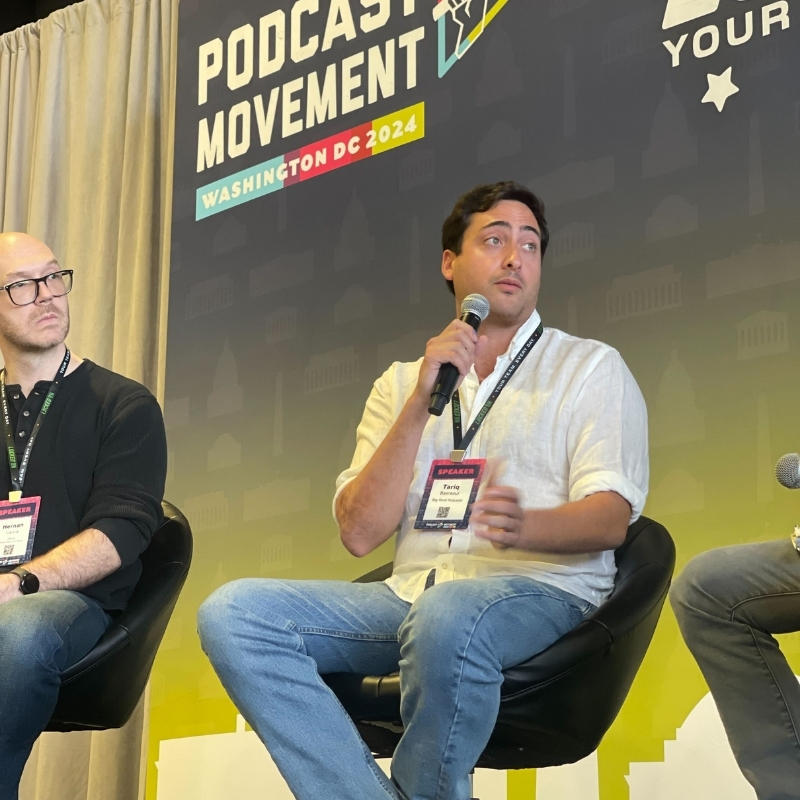
Tariq Basraoui
CEO
Tariq O’Keefe Basraoui, Co-Founder of Big Pond Podcasts, is a seasoned digital marketer and community builder with a track record of success at platforms like TikTok and Zencastr. Known for launching Zencastr’s Creator Network to over 15,000 members in 18 months, his expertise lies in growing user bases and enhancing brand engagement.
His strategic approach to growth and community engagement has established him as a leader in creating some of the fastest-growing media networks in podcasting.
