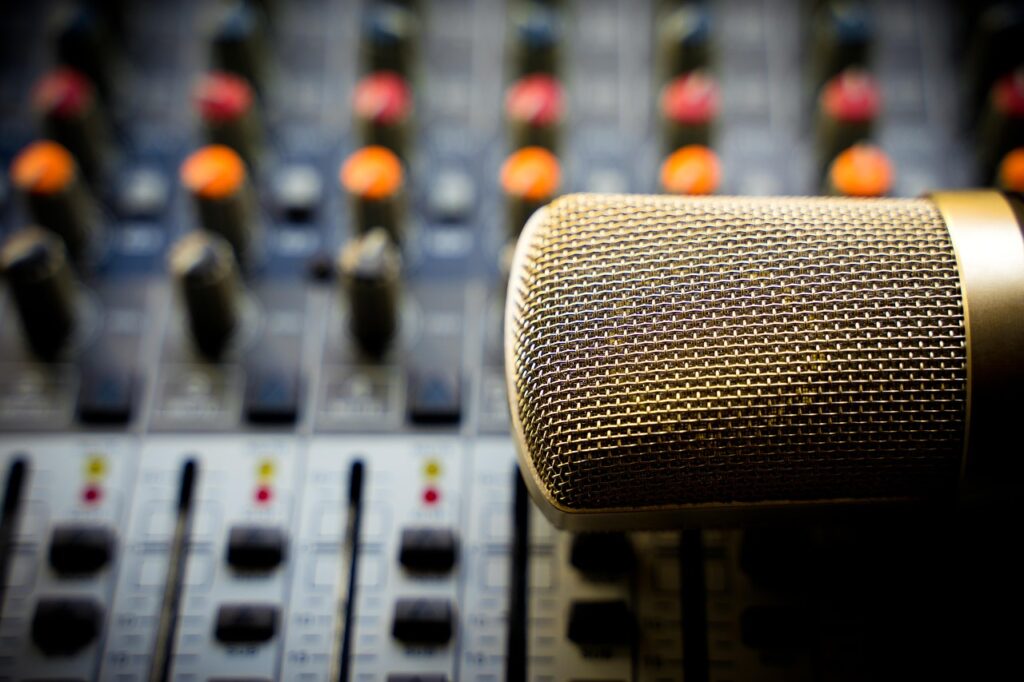
An advanced podcasting equipment purchase goes wrong when you focus on the price tag instead of the workflow. Buying a $1,000 microphone that captures every echo in your untreated bedroom is a more costly mistake than buying a $200 microphone that works with your environment. A successful advanced podcasting equipment purchase prioritizes microphone-room synergy, audio interface scalability, and workflow integration over brand names or raw specs. Choosing gear that fits your specific format, voice, and technical ambition prevents costly replacements. This ensures your sound quality matches your content’s quality, which is the ultimate goal for audience growth.
Criterion 1: Microphone and Room Synergy
The most expensive microphone will sound terrible in a bad room. This is the single most overlooked factor in an advanced podcasting equipment purchase. Your microphone choice must be a direct response to your recording environment.
Start by clapping your hands in your recording space. If you hear a sharp, lingering echo, your room has reflective surfaces (hardwood floors, bare walls, windows) that a sensitive microphone will amplify. For these common, untreated spaces, a dynamic microphone like the Shure SM7B or Rode Procaster is the correct choice because it’s designed to reject sound from the sides and rear, focusing only on your voice. A guide to home studio acoustics can help you identify and mitigate these issues with simple treatments like blankets or bookshelves.
Conversely, if you are in a well-treated, quiet room, a condenser microphone like a Neumann TLM 102 or Rode NT1 can capture incredible vocal detail and nuance. These mics are more sensitive, which is a liability in a noisy or echoey room but a great asset in a controlled one. Good synergy means the microphone you choose makes your specific room sound better, not worse.
Criterion 2: Audio Interface and Scalability
Your audio interface or mixer is the central hub connecting your microphone to your computer. Choosing one you’ll outgrow in six months is a classic mistake. The primary consideration here is inputs and outputs (I/O) scalability.
For example, a two-channel audio interface is a solid start for a solo host. However, if you plan to have in-person guests, investing in a four-channel interface or a podcast-specific mixer provides that necessary room to grow. This prevents you from having to sell your old gear and purchase an entirely new unit just to add one more person to your show.
Look for hardware that offers expandability for the future. An interface with high-quality preamps provides clean gain for demanding microphones. Modern connectivity like USB-C ensures compatibility and speed for years to come. Your goal is to buy an interface that you can grow into, not out of.
Criterion 3: Software and Workflow Integration
Advanced equipment is only as effective as the software workflow it supports. Clunky integration between your hardware and Digital Audio Workstation (DAW) can add hours of frustrating work to each episode. Your gear should streamline your process, not complicate it.
Before you buy, verify how the hardware interacts with your chosen software, whether it’s Adobe Audition, Logic Pro X, or a platform like Descript. For interview-based shows, compatibility with remote recording platforms is critical. Some mixers and interfaces have specific features that make managing audio from services like Zencastr or Riverside.fm much easier, such as creating separate audio tracks for each participant automatically.
Your gear shouldn’t fight your workflow. The best equipment feels invisible, letting you focus on the conversation, not the connection.
This also extends to post-production. Look for integrations that simplify tasks like creating transcripts for accessibility and show notes. A smooth workflow from recording to publishing is a hallmark of a professional setup.
Criterion 4: Advanced Audio Control and Processing
Moving to advanced equipment is about gaining granular control over your sound. The two most important concepts to master are gain staging and dynamics processing (compression and EQ). Your hardware choice should facilitate this control.
Gain staging is the process of setting the proper audio level at each step in your signal chain. A detailed tutorial on proper gain staging demonstrates how to achieve a clean signal without noise or distortion. Your interface or mixer must provide clear visual feedback (meters) and precise control to set a healthy recording level, typically peaking between -12dBFS and -6dBFS.
Some advanced mixers also offer built-in processing like compression, which evens out volume fluctuations in speech, and EQ, which shapes the tonal character of a voice. Having this control in your hardware can save significant time in post-production and result in a more polished final product. The ability to apply these tools subtly is what separates amateur audio from professional broadcast quality.
Criterion 5: The Complete Ecosystem (Accessories)
A professional microphone is useless if it’s connected with a faulty cable or mounted on a wobbly stand. Your accessories are not an afterthought; they are integral components of your recording chain. Skimping here will undermine your entire investment.
Invest in high-quality XLR cables from reputable brands like Mogami or Canare. Purchase a sturdy boom arm, such as the Rode PSA1, that holds your microphone in the perfect position without drooping or vibrating. A dedicated shock mount isolates the microphone from bumps, and a pop filter prevents harsh plosive sounds (‘p’s and ‘b’s) from distorting your audio.
Criterion 6: Planning for Video Podcasting
| Condenser Microphones | Dynamic Microphones | Ribbon Microphones | |
|---|---|---|---|
| Sensitivity | High | Low-Medium | High (but delicate) |
| Sound Quality | Detailed, Accurate | Robust, Punchy | Warm, Smooth, Natural |
| Best For | Studio Vocals, Acoustic Instruments | Live Vocals, Untreated Rooms | Broadcast, Vocals (specific character) |
| Power Req. | Phantom Power | None | None (some active models require phantom) |
| Durability | Moderate | High | Low (fragile) |
| Cost Range | Medium to High | Low to Medium | High |
Video is a dominant force in content, and many podcasts are expanding into video formats. According to one report, YouTube is the most used platform for podcast consumption. An advanced equipment purchase in 2026 should account for a potential pivot to video to avoid buying everything twice.
This means considering how your audio setup will integrate with cameras and lighting. Will your audio interface be able to take a feed from a video switcher? Do you have enough desk space for a camera like a Sony a6400 and lighting like the Elgato Key Light? Syncing audio and video is a common challenge, and some hardware, like dedicated video podcast mixers, is designed to solve this problem.
Adding video isn’t just pointing a camera at yourself. It’s a second production that must be planned from the start, or it will degrade your audio.
Even if you aren’t launching a video podcast tomorrow, choosing audio gear that is video-friendly is a smart, future-proofing move.
Questions to Ask Before You Commit
- How many discrete microphone inputs does this device have?
- Does this interface offer phantom power for condenser microphones?
- What is the equivalent input noise (EIN) of the preamps? (Lower is better).
- Can this mixer record each input to a separate audio track (multitrack recording)?
- How many independent headphone outputs does it support for guests?
- What is the upgrade path for the device’s firmware and software?
- Does this microphone’s polar pattern (e.g., cardioid, supercardioid) match my room’s acoustics?
- Is the device class-compliant, or does it require specific drivers?
- How does this gear integrate with remote recording software?
- What is the warranty and customer support reputation for this brand?
Red Flags in Podcasting Gear
- Vague Specifications: Brands that don’t publish key specs like preamp noise (EIN) are often hiding something. Transparency is a sign of quality.
- Over-reliance on USB: While some USB mics are excellent, any setup marketed as “professional” for multiple hosts that relies solely on multiple USB mics is a red flag. It’s a recipe for driver conflicts and instability.
- Bundles with Mismatched Quality: Be wary of all-in-one kits where a decent microphone is bundled with a flimsy stand, poor-quality cable, and cheap headphones. Every component matters.
- Reviews Focusing on Aesthetics: If a review talks more about how the gear looks than how it sounds (with audio samples), it’s not a useful review for making a technical decision.
A Decision Framework for Your Purchase
Your purchase should be weighted based on your show’s specific format. This is more effective than a generic “best of” list.
- If your priority is a solo show in a challenging room: Weight Criterion 1 (Synergy) and Criterion 4 (Audio Control) highest. A great dynamic mic and an interface with good preamps will serve you better than anything else.
- If you plan for multiple in-person guests and video: Weight Criterion 2 (Scalability) and Criterion 6 (Video Planning) highest. Your central mixer/interface is the most important decision.
- If your show is based on remote interviews: Weight Criterion 3 (Software Integration) heaviest. Your workflow with remote recording platforms and your DAW is paramount. Professional sound helps secure better endorsement deals.
As a podcast agency and incubator for shows, we understand that professional sound is foundational to growth and monetization. We work with over 1,300+ podcasts, and our central mission is to help creators monetize podcasts effectively. If your ambition is to build a show with real revenue potential, the right equipment is your first step. When you’re ready to explore how to turn great audio into a real business, let us know what you’re building.
Further reading
- Choosing the Right Equipment for Your Podcast
- Video Podcasting Equipment – News – UD Library – University of Delawar
- Podcast Equipment – Everything You Need To Know – NFI
FAQ
Do I really need an XLR microphone or is USB good enough?
For a solo host, a high-quality USB microphone can be sufficient. However, for any advanced setup involving multiple hosts or guests in the same room, XLR microphones connected to an audio interface or mixer are the standard. This approach offers far greater flexibility, scalability, and control over each individual audio source.
What is the difference between an audio interface and a mixer?
An audio interface is a device that connects microphones to your computer, typically with a focus on high-quality analog-to-digital conversion. A mixer also connects microphones but adds onboard controls for adjusting levels, EQ, and routing audio in real-time. Modern podcast-specific mixers, like the RØDECaster series, often blend these roles by including both multitrack recording via USB and physical faders.
How much should I budget for advanced podcast equipment?
A solid advanced setup for a solo host (XLR mic, interface, boom arm, headphones) can start around $700-$1,200. A setup for 2-4 people with a capable mixer and video components can range from $2,000 to $5,000 or more. The key is to invest in scalable core components (mixer/interface) first.
Is soundproofing my room necessary?
Full soundproofing (blocking outside noise) is complex and expensive. A more practical first step is acoustic treatment, which controls reflections and echo inside the room. Using moving blankets, bookshelves, and bass traps can dramatically improve your sound for a fraction of the cost of construction, as a detailed report from Audimute shows.
Can I use the same equipment for live streaming?
Yes, absolutely. Most modern podcasting interfaces and mixers are also excellent for live streaming on platforms like Twitch or YouTube. The ability to control multiple audio sources, apply real-time processing, and manage headphone mixes is just as valuable for streaming as it is for podcasting. Check for features like a “loopback” function, which makes it easy to include computer audio in your stream.
About the author
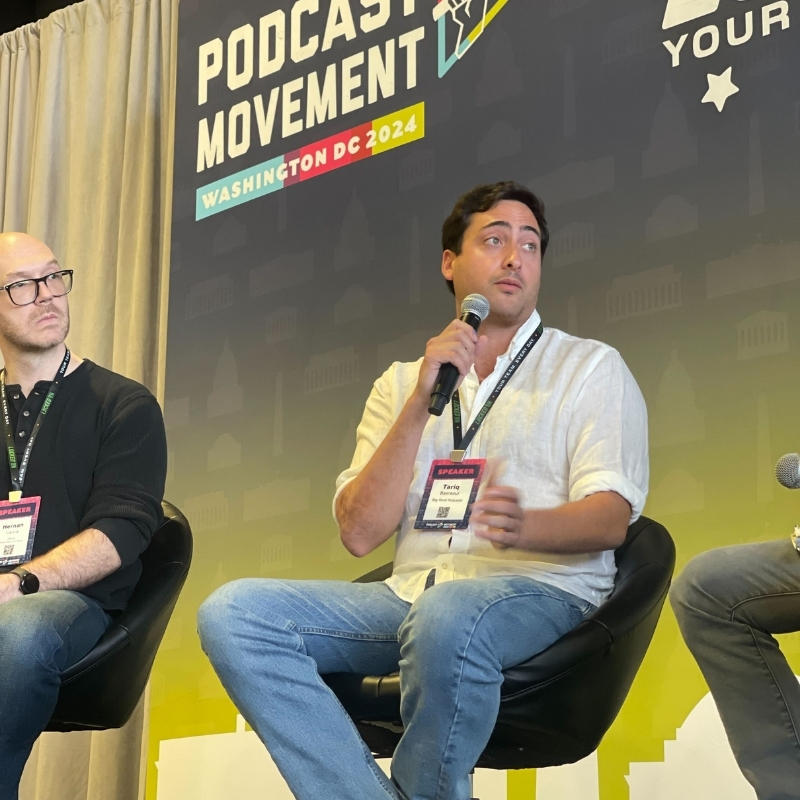
Tariq Basraoui
CEO
Tariq O’Keefe Basraoui, Co-Founder of Big Pond Podcasts, is a seasoned digital marketer and community builder with a track record of success at platforms like TikTok and Zencastr. Known for launching Zencastr’s Creator Network to over 15,000 members in 18 months, his expertise lies in growing user bases and enhancing brand engagement.
His strategic approach to growth and community engagement has established him as a leader in creating some of the fastest-growing media networks in podcasting.
