How Can I Make a Podcast? A Step-by-Step Guide for 2026
Most people think starting a podcast is about buying a microphone. They are wrong. A microphone just captures audio; it doesn’t capture attention. The real answer to “how can I make a podcast?” involves a structured process of planning, recording, editing, and strategic growth. To create a successful podcast, you must first define a specific niche and format, then record and edit high-quality audio using appropriate software. From there, you will need a hosting platform to generate an RSS feed for distribution to directories like Apple Podcasts and Spotify, followed by consistent promotion to build an audience. For a complete blueprint, start your podcast here.
First, Define Your ‘Why’: Podcast Concept and Planning
Before you press record, you need a plan. A podcast without a clear concept is just audio clutter. It’s the single biggest failure point for new creators. A disciplined approach to planning is what separates a show that lasts for 10 years from one that fades after three episodes. Our guide to crafting a start a podcast plan provides a deeper framework for this crucial first step.
Choosing Your Niche
Specificity is your greatest asset. Instead of a “movie review podcast,” consider a “podcast reviewing 90s sci-fi B-movies.” Instead of a “business podcast,” launch a “podcast for first-time SaaS founders navigating their Series A.” A narrow niche attracts a dedicated audience that feels like you’re speaking directly to them. According to The Podcast Index, there are over 4.2 million podcasts out there as of early 2026. A hyper-specific angle is how you stand out.
Selecting a Format That Fits
The format of your show dictates its entire workflow, from preparation to editing. Choose one that aligns with your topic, your personality, and the time you can realistically commit.
| Format Type | Preparation Effort | Editing Complexity | Best For… |
|---|---|---|---|
| Solo Host | Low to Medium | Low | Experts sharing deep knowledge, commentary, or personal stories. |
| Co-hosted | Medium | Medium | Dynamic conversations, debates, and comedic banter. Requires chemistry. |
| Interview | High | Medium to High | Bringing in outside expertise and diverse perspectives. Requires research. |
| Narrative/Storytelling | Very High | Very High | Investigative journalism, historical deep dives, and fictional audio dramas. |
Structuring Your Episodes
Consistency breeds loyalty. A predictable structure helps listeners know what to expect. A common and effective structure includes:
- Intro: A short musical jingle and a verbal hook (30-60 seconds).
- Opening Segment: A brief summary of the episode’s topic.
- Main Content: The core interview, story, or discussion, broken into logical acts.
- Mid-roll Ad/Break: If applicable.
- Closing Segment: Key takeaways or a call to action.
- Outro: Music and credits.
Equipment Essentials for Quality Sound
While content is king, poor audio quality will send listeners packing before they ever hear your brilliant ideas. You don’t need a professional studio that costs thousands, but you do need to prioritize clean, clear audio. Non-negotiable means your listeners will churn if you ignore it.
The Microphone is Non-Negotiable
Your single most important piece of gear is the microphone. There are two main types to consider:
- USB Microphones: These plug directly into your computer and are incredibly easy to use. Models like the Blue Yeti or Audio-Technica AT2020+ are popular choices for beginners and offer excellent quality for the price.
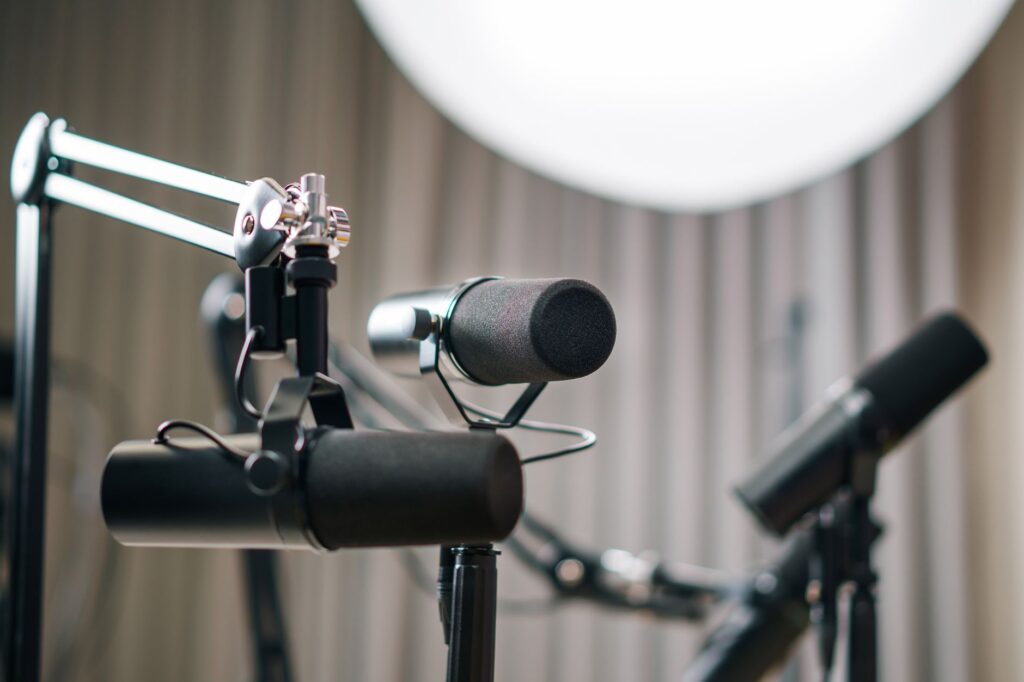
- XLR Microphones: These require an audio interface or mixer to connect to your computer. They offer higher quality and more flexibility but come with a steeper learning curve. The Shure SM7B is a broadcast industry standard, seen in countless professional podcast setups.
Headphones and Other Accessories
Never record without headphones. Using them prevents “bleed,” where the sound from your speakers is picked up by your microphone, creating an echo. A simple pair of closed-back headphones, like the Sony MDR-7506, is perfect. You should also invest in a pop filter—a screen that sits in front of the mic to reduce harsh “p” and “b” sounds.
Your podcast’s audio quality is a direct signal of your respect for the listener’s time. Crackles, echoes, and background noise tell them you don’t care enough to get it right.
The Technical Workflow: Recording and Editing
This is where your podcast takes shape. Capturing and refining your audio is a technical skill that gets easier with practice. The goal isn’t perfection; it’s clarity.
Choosing Your Recording Software (DAW)
A Digital Audio Workstation, or DAW, is the software you’ll use to record, edit, and mix your audio. There are powerful options at every price point:
- Audacity: Free, open-source, and available on all platforms. It has a bit of a learning curve but provides all the essential tools for editing podcasts.
- Descript: An innovative editor that works like a word processor. It automatically transcribes your audio, and you can edit the audio by simply deleting the text. Many podcasters find this workflow incredibly intuitive.
- Adobe Audition: A professional-grade DAW with a monthly subscription. It offers advanced tools for noise reduction, mixing, and audio restoration. It’s part of the Adobe Creative Cloud suite.
Best Practices for Clean Audio Recording
Your editing job will be 10x easier if you capture good audio from the start. Choose a small, quiet room with soft furnishings like carpets, curtains, and bookshelves to absorb sound and reduce echo. Turn off fans, air conditioners, and any device that hums. Position your mouth 4-6 inches from the microphone and speak clearly.
The Art of the Edit: Post-Production
Editing is where you tighten the narrative. This involves removing mistakes, long pauses, and filler words (“um,” “ah”). You will also balance audio levels, add intro/outro music, and insert any pre-recorded segments. A light touch is often best; over-editing can make a conversation sound unnatural.
Getting Heard: Podcast Hosting and Distribution
You don’t upload your final MP3 file directly to Spotify or Apple Podcasts. A dedicated podcast hosting platform is the essential intermediary that stores your files and distributes them to the world.
What is a Podcast Host? (And Why You Need One)
A podcast host is a service that stores your large audio files and generates a unique RSS feed for your show. This RSS (Really Simple Syndication) feed is what tells podcast directories about your show—its name, artwork, and list of episodes. You need a reliable host that offers sufficient storage; a single hour-long episode can be 60 MB or more, so look for plans with at least 2 GB of monthly storage.
Creating Your RSS Feed and Submitting to Directories
Once you upload your first episode to your host, it will create your RSS feed URL. You will then submit this single URL to each podcast directory one time. The most important ones are:
- Apple Podcasts (formerly iTunes)
- Spotify
- Google Podcasts
- Amazon Music / Audible
After your show is approved, any new episodes you upload to your host will automatically appear in all directories.
Designing Your Podcast Artwork
Your cover art is your podcast’s first impression. It needs to be bold, legible, and visually represent your show’s topic and tone, even as a tiny thumbnail on a phone. It must be a square image, typically between 1400×1400 and 3000×3000 pixels. Use a tool like Canva or hire a designer on a platform like Fiverr to create something professional.
Promoting Your Podcast: Reaching a Wider Audience
Making a great podcast is only half the battle. Getting people to listen is the other half. At Big Pond, we help over 1300+ shows with audience growth, and we’ve seen that consistent promotion is what builds momentum. This is a core part of our mission to help creators monetize and grow their podcasts. You can explore some of our proven marketing strategies for more detailed tactics.
Launch Strong with a Bank of Episodes
Don’t launch with just one episode. A “launch bank” of 3-5 episodes gives new listeners a chance to binge your content and get hooked. It immediately demonstrates your commitment to the show.
Cross-Promotion and Guest Appearances
The fastest way to grow is to tap into existing audiences. Identify non-competing podcasts in your niche and pitch yourself as a guest. This puts your voice and expertise in front of thousands of engaged listeners who are already pre-disposed to like your content.
Using Social Media to Build Community
Create audiograms—short video clips of a powerful moment from your episode—using tools like Headliner or Opus Clip. Share these on platforms like Instagram, TikTok, and LinkedIn. Use your social channels not just to promote, but to engage in conversations and build a community around your show.
Monetization Strategies for Podcasters
Many podcasters dream of making an income from their show. The good news is that advertising isn’t the only path. Our network of shows reaches a combined audience of over 200M+ listeners, and we see diverse monetization models succeed every day. You don’t need millions of downloads to start earning.
Monetization isn’t a reward you get for having a big audience. It’s a tool you use to build a better show for the audience you have.
Beyond Pre-Rolls: Diversifying Your Income
Direct listener support is often more stable and lucrative than advertising. Platforms like Patreon or Supercast allow you to offer premium content—such as bonus episodes, ad-free versions, or early access—in exchange for a small monthly subscription. This creates a direct financial relationship with your most loyal fans.
Affiliate Marketing and Direct Product Sales
If you recommend products or services on your show, you can use affiliate links in your show notes to earn a commission on sales. If you have your own expertise, you can sell digital products like courses, e-books, or coaching services directly to your audience. Brands like Airbnb have successfully used podcasts to reach targeted audiences.
When to Seek Sponsorships
Once you have a consistent and growing audience (typically 1,000+ downloads per episode), you can start exploring sponsorships. Understanding podcast advertising rates is key. Host-read ads, where you personally endorse a product, are often the most effective because they build on the trust you have with your listeners.
Staying Compliant: Key Legal Considerations
Ignoring legal basics can create massive headaches down the road. Two areas require your immediate attention: music and disclaimers. This is not a fun topic, but it is a critical one.
Music Licensing 101
You cannot use popular, copyrighted music in your podcast without paying substantial licensing fees. It constitutes copyright infringement, and platforms will remove your content. Use royalty-free music from libraries like Epidemic Sound or Artlist, which offer affordable subscriptions for creators.
Disclaimers, Privacy, and Copyright
If you provide advice (financial, medical, legal), include a verbal and written disclaimer stating that you are not a licensed professional and your content is for informational purposes only. Be mindful of guest releases, ensuring you have written permission to use their voice and story. Always properly attribute sources to avoid plagiarism and respect intellectual property.
Further reading
- How to create your own podcast
- How to Start a Podcast in 2026 – Beginner Podcasting Tutorial
- How to Podcast
- [How to Start a Podcast: Complete Step-by-Step Guide [2026]](https://www.buzzsprout.com/blog/how-to-start-a-podcast)
Frequently Asked Questions
How much does it cost to start a podcast?
You can start for under $100. A good quality USB microphone like the Audio-Technica AT2020 costs around $70-$90, and you can use free software like Audacity for editing. Monthly hosting costs start around $10-$15. The primary investment is your time.
How long should a podcast episode be?
As long as it needs to be and no longer. There is no magic number. A 2021 study by Statista found that the average episode length was around 41 minutes, but many successful shows have 15-minute daily episodes or 3-hour deep dives. Focus on delivering value, not hitting a time-stamp.
How do I get my podcast on Spotify?
Once you have your show set up with a podcast host (like Transistor, Buzzsprout, etc.), they will give you an RSS feed URL. You log into your account at podcasters.spotify.com, click “Add or claim your podcast,” and paste in your RSS feed. Spotify will verify it, and your show will typically appear within a few hours.
Can I use any music in my podcast?
No. Using copyrighted music from artists like Taylor Swift or Drake without explicit, costly licenses is illegal. You must use music from a royalty-free music library or an artist who has given you direct permission. Using unlicensed commercial music is a common reason for podcast episodes to be removed from platforms.
Making a podcast is a journey that blends creativity with technical execution. By focusing on a solid concept, clean audio, and consistent promotion, you can create a show that not only finds an audience but also builds a lasting community. If you’re ready to take the next step and explore how to grow and monetize your show, we’re here to help. Contact us today to learn more.
About the author
Tariq Basraoui
CEO
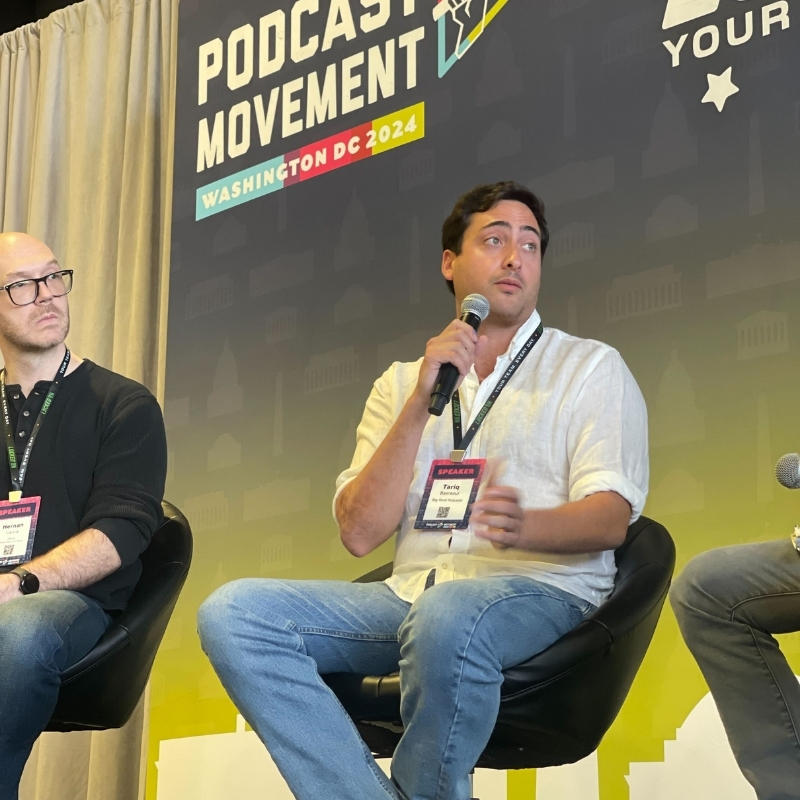
Tariq O’Keefe Basraoui, Co-Founder of Big Pond Podcasts, is a seasoned digital marketer and community builder with a track record of success at platforms like TikTok and Zencastr. Known for launching Zencastr’s Creator Network to over 15,000 members in 18 months, his expertise lies in growing user bases and enhancing brand engagement.
His strategic approach to growth and community engagement has established him as a leader in creating some of the fastest-growing media networks in podcasting.
